


What to check before you buy
Start by confirming the output matches your equipment: DC voltage, current capacity, and connector type. A supply rated for more current than you need is fine; running at the limit all day is where heat and early failure show up. Look for clear labelling, a solid mains lead, and a 12v 20a power supply case that feels rigid rather than flimsy. If it will live in a cupboard or rack, check mounting options and ventilation. A decent warranty and a known compliance mark are practical signals that the unit has been built and tested properly.
Understanding load and headroom
Your devices draw current based on what they are doing, so it helps to add up typical usage and allow headroom for peaks. LED strips, motors, pumps and radios can all surge above their “steady” draw. If you’re powering several items, plan for the total and consider separate fused outputs to prevent one fault taking everything down. When selecting a 12v 20a power supply, treat 20A as the maximum, not the target. Running it at around 60–80% of its rating usually keeps temperatures lower and voltage more stable.
Safety features that matter in practice
Real-world reliability comes from protection circuits and sensible installation. Overcurrent protection limits damage during shorts, while overvoltage protection helps safeguard sensitive electronics if regulation fails. Thermal shutdown is valuable in hot lofts, cabinets, or workshops where airflow is limited. Also think about input protection: a proper fuse and decent insulation reduce risk from mains issues. If you’re wiring directly, use the right cable gauge and tighten terminals properly to prevent arcing. Keep the unit away from dust and metal offcuts, and never block vents with foam or tape.
Noise heat and electromagnetic interference
Switch-mode units can be compact and efficient, but they may introduce electrical noise that affects audio gear, radios, or certain controllers. If you notice buzzing, flicker, or interference, try shorter leads, twisted pairs, ferrite clamps, and better grounding. Heat is another common issue: even an efficient supply sheds warmth, and hot components age faster. Mount it on a non-flammable surface with space around it, and avoid placing it above other heat sources. If your build needs silence, check whether the model uses a fan and how loud it runs.
Installation tips for dependable results
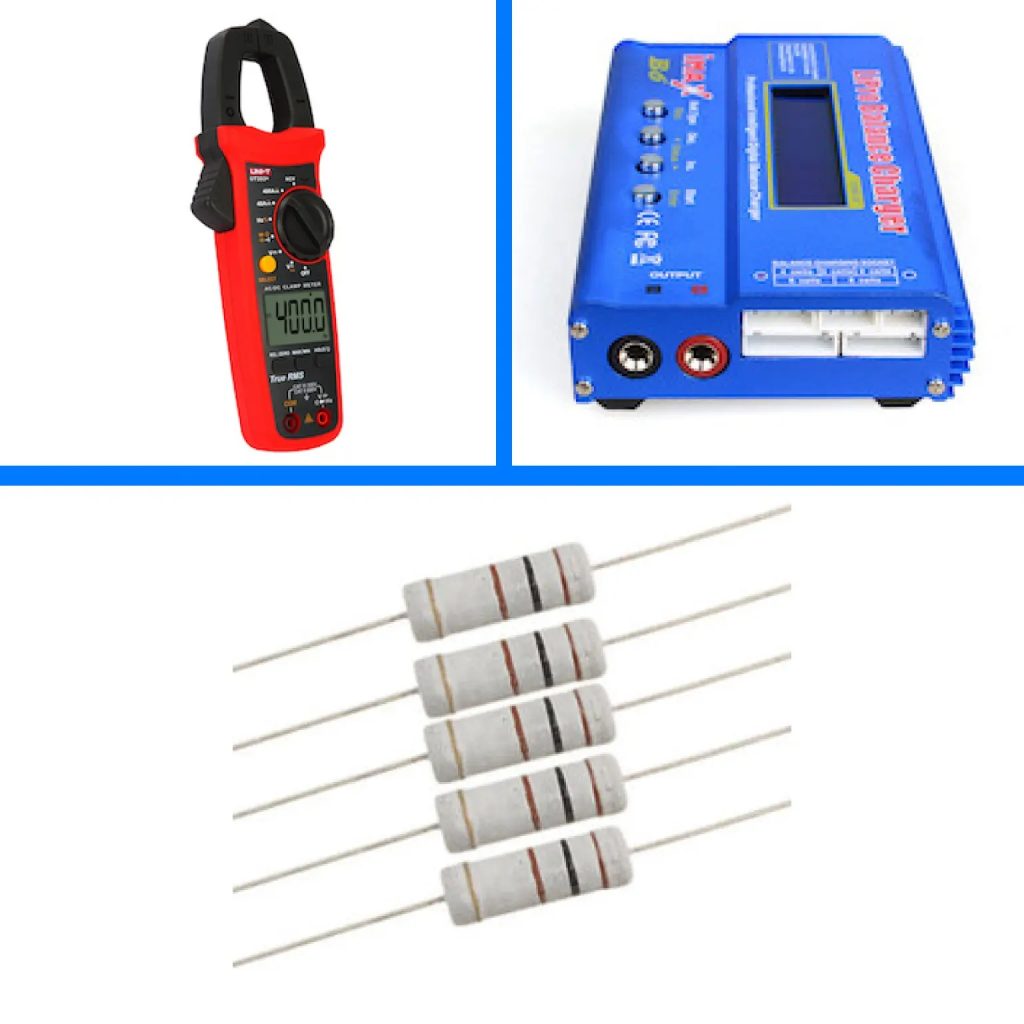
Before connecting your equipment, test the output with a multimeter to confirm polarity and voltage. If the unit has an adjustment screw, make small changes and recheck under load, not just at idle. Use proper crimp terminals or ferrules for stranded wire, and label cables so maintenance is straightforward later. For outdoor or damp areas, keep the supply indoors and run low-voltage cabling through suitable glands and conduit. If you are distributing power to multiple devices, add inline fuses close to the source and keep cable runs short to reduce voltage drop.
Conclusion
A reliable DC setup is less about chasing specs and more about matching the supply to the job, leaving headroom, and installing it neatly with the right protection. Prioritise good ventilation, correct cable sizing, and basic testing before you connect valuable equipment. If you’re comparing options or want to sanity-check a planned load, it can be worth browsing a few reputable suppliers and guides; check Hub360 for similar tools and practical references.